

Roboform is a program that stores passwords, user names and other personal data in a safe way; making this information available to automatically fill your favorite web site forms. This tool does not only save time, but also avoids the need of trying to remember passwords and user names.
Once you Install Roboform, with one click it will send you to the chosen website, once there enter the user name and password and click the submit button. For a better security you should set a Master password, and RoboForm will remember all the user names and passwords depending on the web site.
Make your online experience secure and fast. Complete a long registration or checkout form by just clicking on the RoboForm Identity, which will automatically fill in the entire form.
A new search button has been added to the toolbar; it highlights searched words on a web page. Plus it is able to print multiple selections and e-mail.
It is never recommended to let your traditional web browsers remember passwords and user names because it's highly unsafe. Instead, you can use this great solution to do it automatically. RoboForm is really useful, worth trying plus it also offers a portable USB version to securely log on any PC.
It is compatible with Internet Explorer, AOL/MSN, Firefox, Win Mobile and Palm.
I must say it is not very easy to understand how to set up some of the options, but there is great support at the website if any doubts are raised.

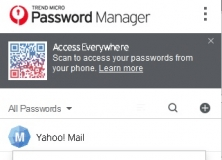

Saves your passwords and personal data for automatic login and form filling.


Ensures that confidential information cannot be accessed by anyone but you.


PDF Form Filler, Fill PDF Forms, Save PDF Forms, PDF Form Filling, edit PDF Forms
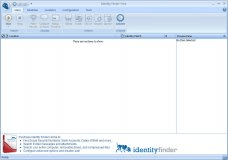

Search your computer and find unsecured Social Security Numbers and more.












Comments (5)